产品简介
「ZFile」是一款面向移动端的大文件工具。它能高效打开和浏览超大文本文件 ,以 Hex 模式检查原始字节,解压常见压缩格式,并管理 HTTP/HTTPS 直链下载。应用无需账号,文件内容不会上传到开发者控制的服务器。
主要特性
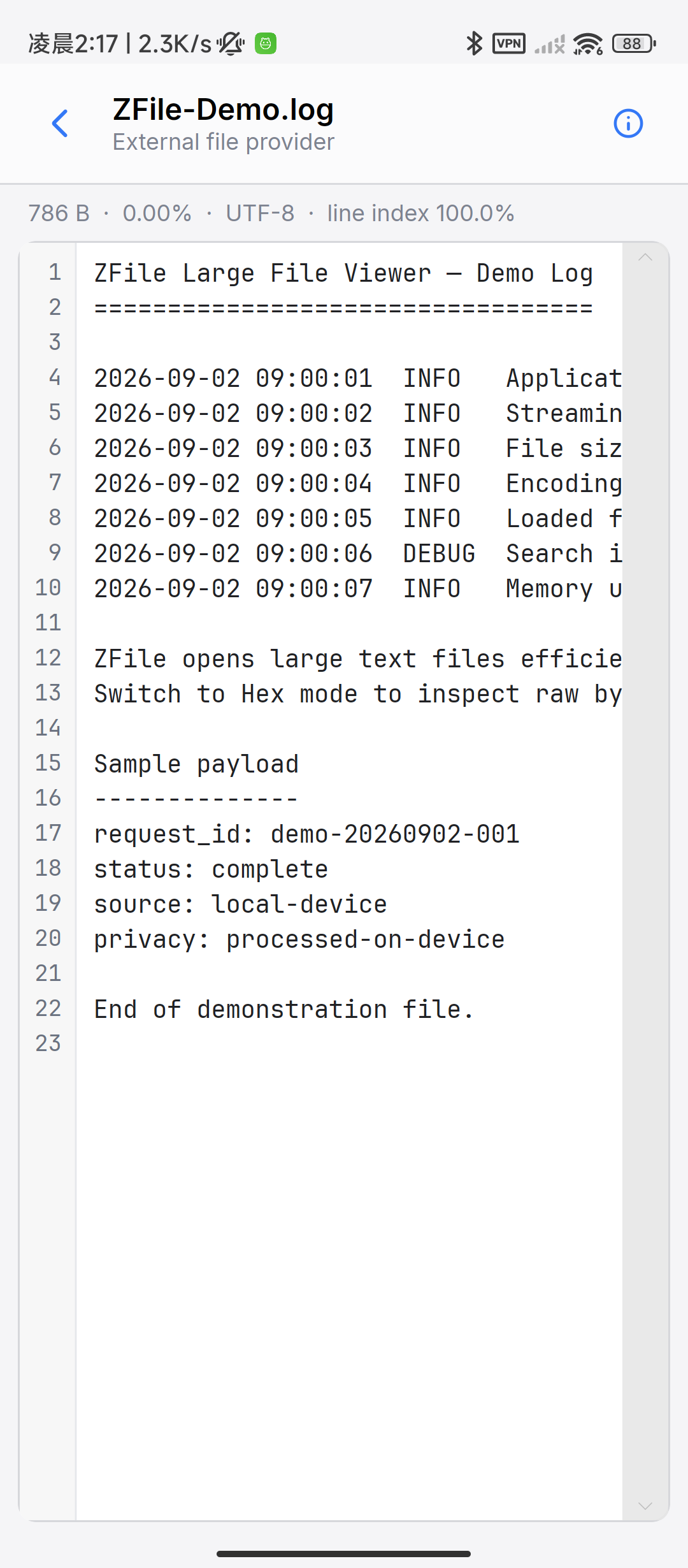
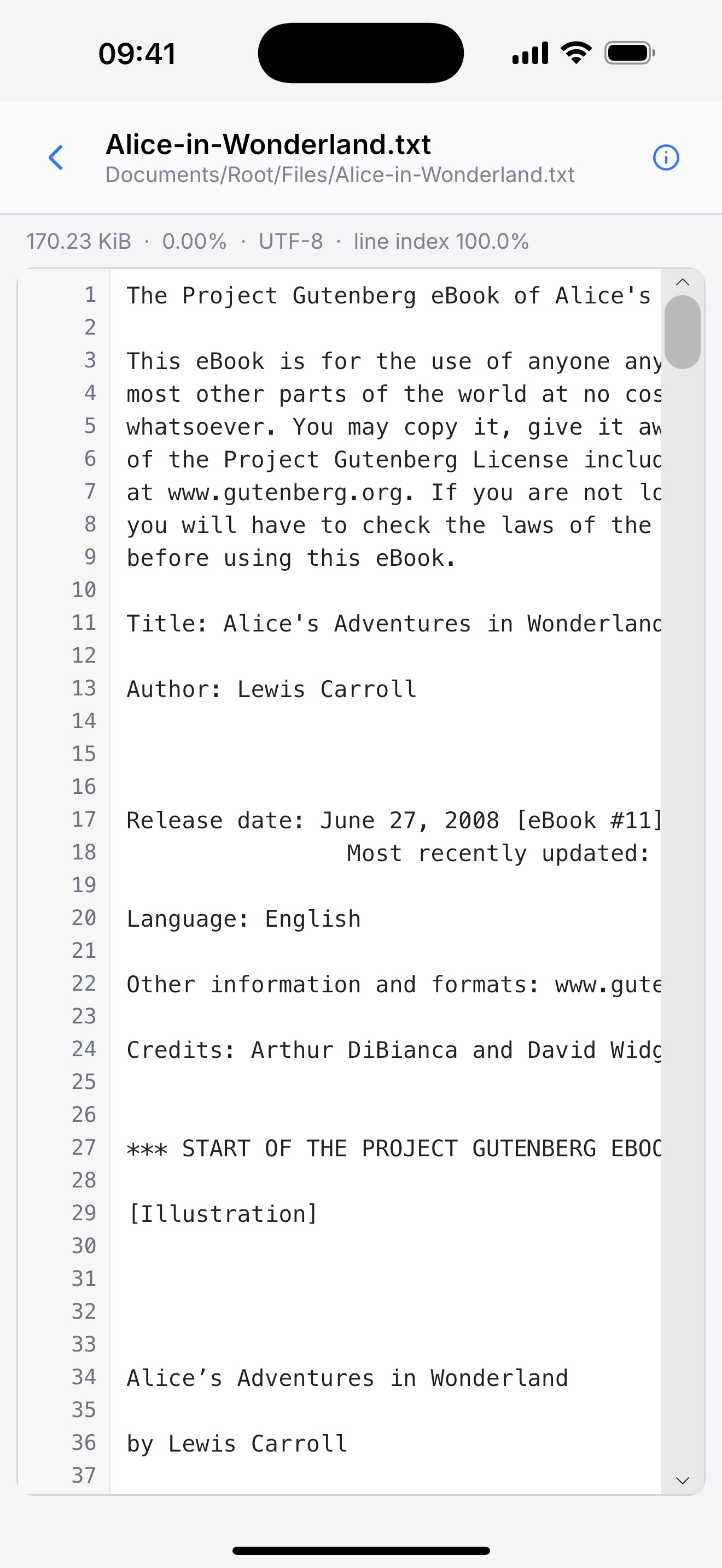
高效打开、滚动和定位超大文本文件
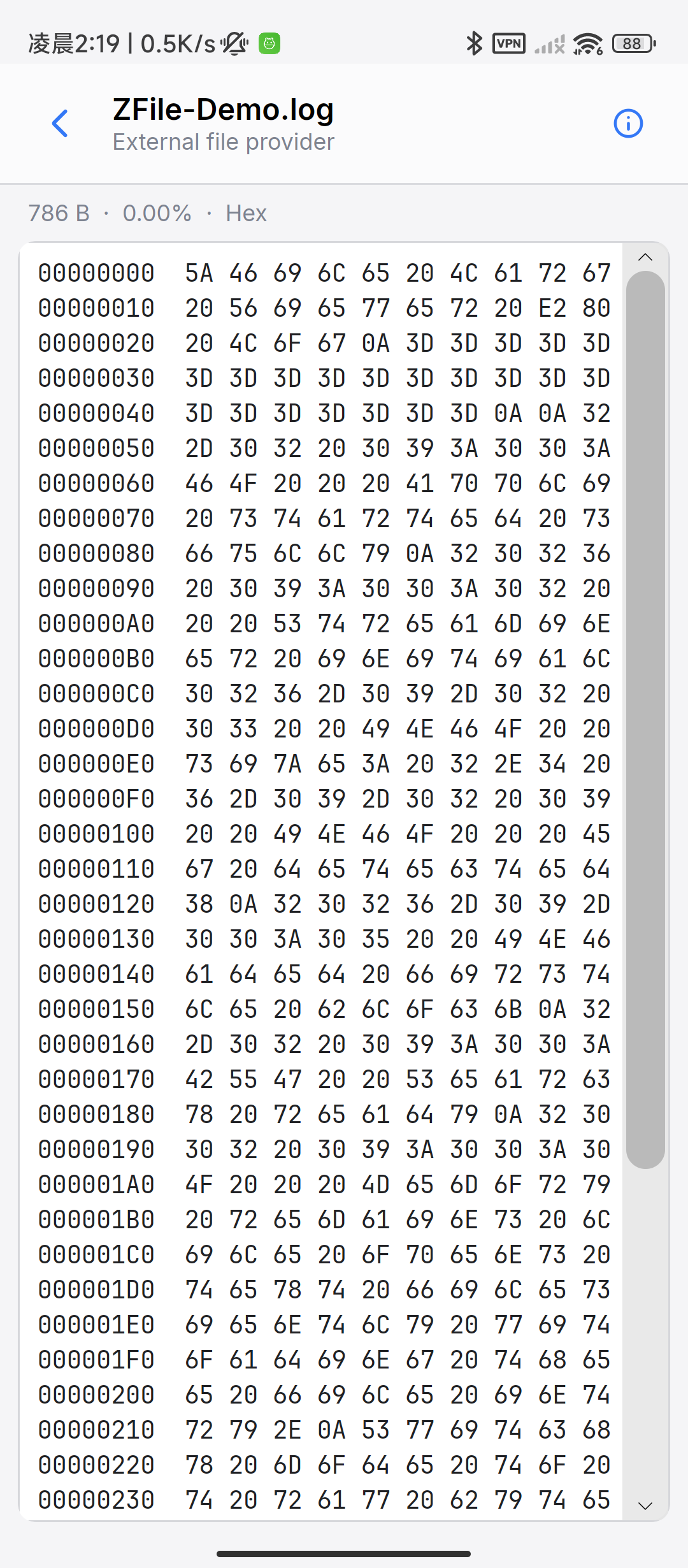
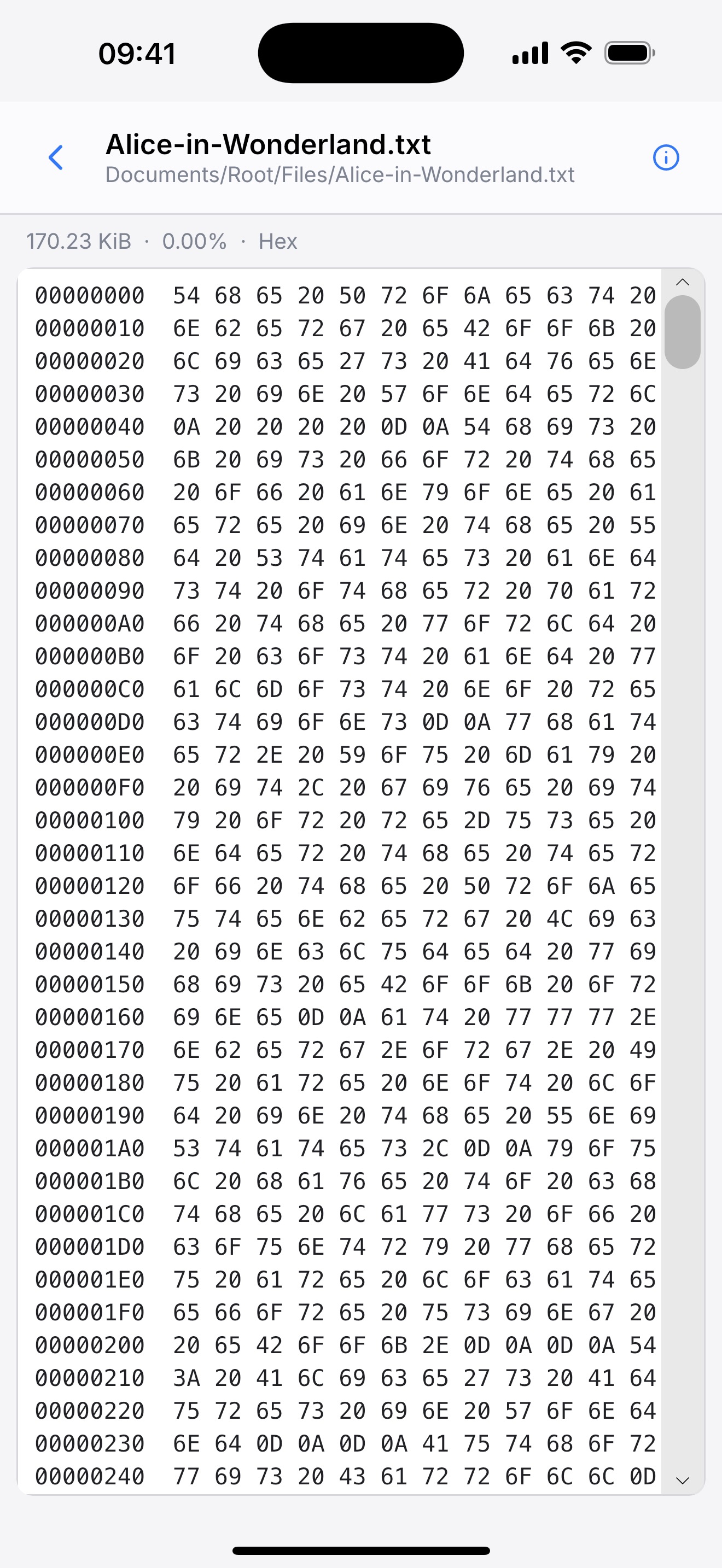
以十六进制字节查看文本或二进制文件
支持 ZIP、RAR、7z、TAR、GZ、BZ2 和 XZ 等压缩格式
支持 HTTP/HTTPS 直链下载,可暂停、继续、取消和管理记录
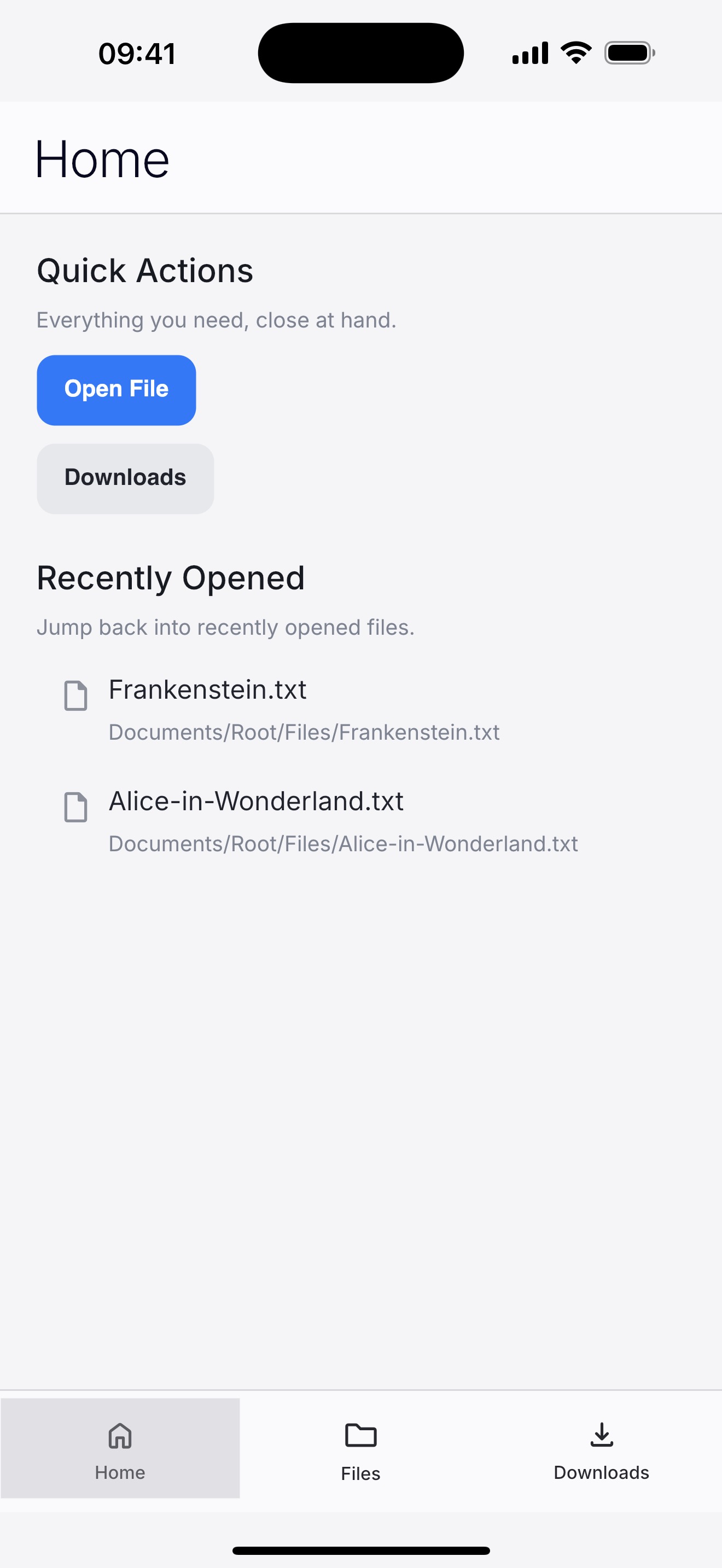
浏览本地文件,管理最近打开、收藏、下载和解压内容
通过系统文件选择器、系统预览和分享功能与其他应用协作
产品截图
请选择平台查看当前版本的应用界面:
Android
iOS
常见问题 (FAQ)
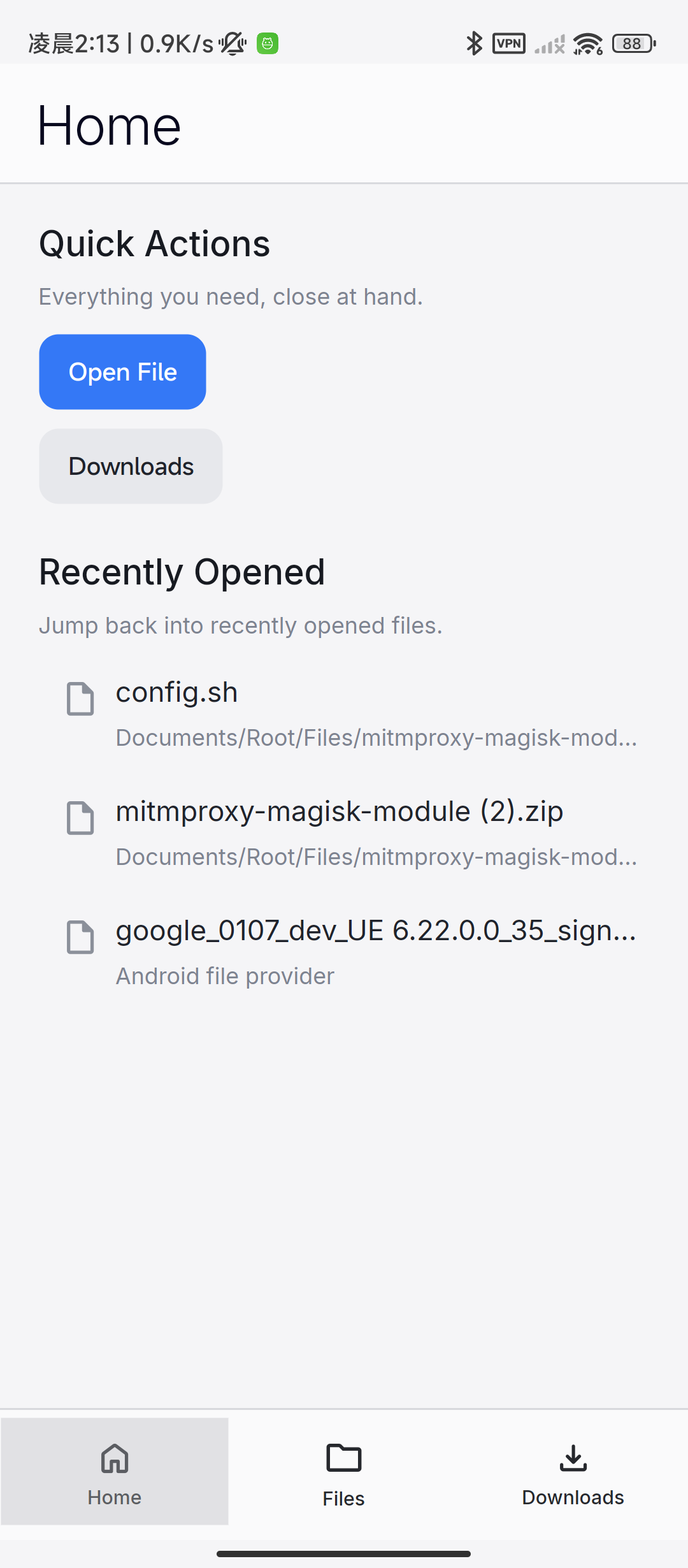
如何打开超大的文本或二进制文件? 点击「Open File」,通过系统文件选择器选取文件;也可以从其他应用将文件分享或打开到 ZFile。
如何切换文本与 Hex 模式? 打开文件后点击右上角的信息按钮,在文件信息面板中切换显示模式并调整相关设置。
如何解压压缩包? 在 ZFile 中打开支持的压缩文件,应用会将内容解压到本地目录。加密、损坏或分卷压缩包可能无法处理。
如何下载文件? 进入 Downloads 页面,点击下载图标并输入直接指向文件的 HTTP 或 HTTPS 地址。建议优先使用可信来源的 HTTPS 链接。
联系我们
也可以前往支持与帮助页面 ,或查看隐私政策 。
About ZFile
ZFile is a mobile utility built for large files. It can efficiently open and navigate huge text files , inspect raw bytes in Hex mode, extract common archive formats, and manage direct HTTP/HTTPS downloads. No account is required, and file contents are not uploaded to a developer-controlled server.
Join the Android closed test
The Android version is currently available through Google Play closed testing. To participate, complete these steps using the same Google account:
Join the ZFile Android Beta Google Group (zfile-android-beta@googlegroups.com ).
Open the Google Play testing invitation and become a tester.
Install or update ZFile from its Google Play store page .
Google Play may take a few minutes to recognize your testing eligibility after you join the group.
Main Features
Open, scroll, and navigate very large text files efficiently
View text or binary files as hexadecimal bytes
Extract ZIP, RAR, 7z, TAR, GZ, BZ2, and XZ archives
Manage direct HTTP/HTTPS downloads with pause, resume, and cancel controls
Browse local files and manage recents, favorites, downloads, and extracted content
Use the system file picker, system preview, and sharing features
App Screenshots
Select a platform to view screenshots from the current app:
Android
iOS
FAQ
How do I open a very large text or binary file? Tap “Open File” and select it with the system file picker, or share/open the file in ZFile from another app.
How do I switch between Text and Hex modes? After opening a file, tap the information button at the top right, then change the display mode and related settings.
How do I extract an archive? Open a supported archive in ZFile and the app will extract it to local storage. Encrypted, damaged, or split archives may not be supported.
How do I download a file? Open Downloads, tap the download icon, and enter a direct HTTP or HTTPS file URL. Prefer HTTPS links from sources you trust.
Contact Us
Visit Support & Help or read the Privacy Policy for more information.